Where AI tools for content creators actually save time
Your face, your opinions and your stories are the content. The time sinks are everything around them. That is where Kreyta helps most.
- Ideas: 30 days of posts, free, with hooks and captions for each day
- Thumbnails and covers: 16:9 pictures for YouTube, 9:16 for Reels covers
- Editing: type 'remove the silences' or 'add bold captions' in Kreyta Editor
- Intros and outros: a short original track in Afrobeats, Amapiano, Lo-fi or Cinematic
- B-roll: turn a photo into a 5 or 10 second moving clip
- Captions and hashtags: free, in English and Pidgin
Edit talking videos faster
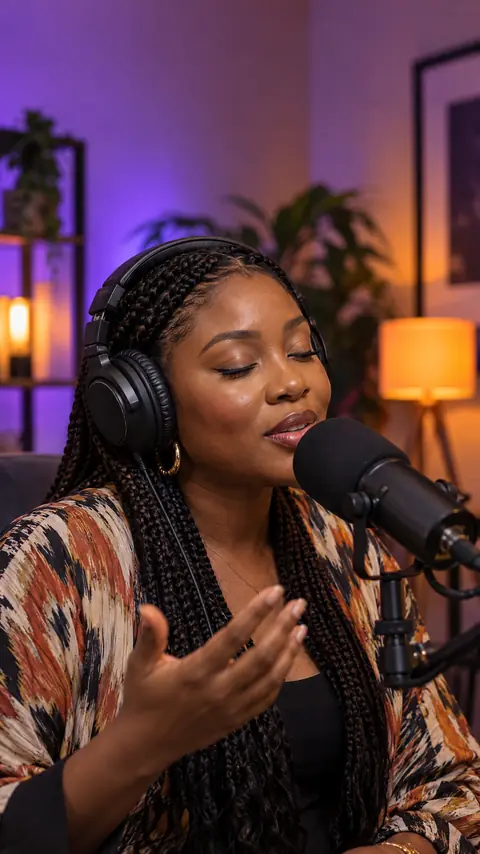
Most creator videos are someone talking to the camera. The slow part is cutting the pauses, the 'ehm's and the false starts. In Kreyta Editor, add your clip, turn on captions, then type 'remove the silences and long pauses so it flows'. You see what will change before you apply it, and one tap undoes it.
Then make it platform ready: 'make it 15 seconds for TikTok with a hook in the first 2 seconds', 'add my logo at the bottom centre', 'translate the captions to Nigerian Pidgin'. Simple instructions like cuts and captions on or off are free; bigger creative edits are priced per edit and shown first.
One idea, five platforms
Repurposing is how solo creators keep up. Take one strong idea, like '5 money mistakes young Lagos workers make', and spread it. A 60 second YouTube Short or Reel from your talking video. A 3 picture carousel of the five points for Instagram. A text post for X. A Status update with the hook and a link. A caption pack written for each platform, free.
The 30 days of posts plan already mixes formats (video, reel, flyer, carousel) so you do not post the same shape every day. Press Create this on any day to open the right tool with the brief filled in.
Stay honest with your audience
Audiences follow creators for the real person. Use AI for the support work, not to fake experiences. If you use a presenter video or realistic AI footage, label it as AI when you post; TikTok, Instagram and YouTube ask for this, and Kreyta gives you a ready AI caption for presenter videos. Never use someone else's face or voice without permission.
How it works
Plan the month
Describe your niche and get 30 days of posts with hooks and captions, free.
Shoot the parts only you can
Talk to camera, film your day, tell the story.
Let Kreyta handle the rest
Thumbnails, intros, b-roll clips and captions.
Edit by typing
Remove pauses, add captions and resize in Kreyta Editor, then post.
Examples
Questions and answers
Is anything free?
Yes. The 30 day posting plan, captions and hashtags are free. Confirmed accounts get 3 free watermarked pictures a day, and new accounts get 3 free credits once.
Can I edit my own camera footage?
Yes. Add your clips to Kreyta Editor and edit them with the instruction box or the timeline.
Can I make YouTube thumbnails?
Yes. The image tool makes 16:9 pictures for YouTube. Add your title text in your usual photo app, keeping it big and short so it reads on a phone.
Can Kreyta add trending sounds?
No. Add trending sounds inside TikTok or Instagram. Kreyta can make an original intro or background track you own.
Do I have to label AI content?
Label realistic AI video or presenters when you post. The platforms ask for it, and it keeps your audience's trust.