How an AI presenter video is made
Write the exact words the presenter should say. If you are stuck, Kreyta can write the script for you free. Then pick who presents. The gallery has ready presenters. Or upload a clear front-facing photo of yourself or someone who has agreed, and tick the consent box: Kreyta will not make a video of a real person's face without that confirmation.
Choose the voice and the language, including Nigerian English and Pidgin. Pick Standard for natural lip-sync, made fast, or Pro for a sharper face and steadier motion. The price updates live as you type, because it is based on how long the script takes to say.
Writing for a presenter
A presenter speaks at about two and a half words a second, so a 60 second video is roughly 150 words. Most good presenter videos are shorter: 20 to 40 seconds says one thing well. Talk to one person, like you are on a video call. 'You' beats 'our valued customers'.
Use the presenter's first line to say who this is for: 'If you just moved into Gwarinpa, this is for you.' Make one point, give one example, ask for one action. Write numbers the way you want them heard. Read it aloud once; anything you trip over, the presenter may too.
- 20 to 40 seconds is the sweet spot; 60 seconds is the maximum
- One message, one example, one action
- Short sentences with natural breathing points
- Spell out tricky names, or keep them simple
Good uses for a presenter video
A hotel welcome message for the TV in each room. A school or church announcement. A product explainer for a bank, an insurer or a POS service. A weekly update to customers on WhatsApp. An instructor introducing an online course. A founder who wants to appear in content every week but cannot film every week.
Honest about AI
Presenter videos are made by AI, and people deserve to know. Kreyta adds an AI badge and gives you a ready caption that says so. TikTok, Instagram and YouTube ask creators to label realistic AI content, so use the label when you post. Never use someone's photo without their permission, and never make a presenter say something the real person would not say.
How it works
Write the script
Type the words, or let Kreyta write them free. Watch the price update as you write.
Choose the presenter
Pick one from the gallery, or upload your own photo and confirm consent.
Pick voice and quality
Choose the voice and language, then Standard or Pro.
Make and post with the label
Download the vertical video and copy the AI caption when you post.
Examples
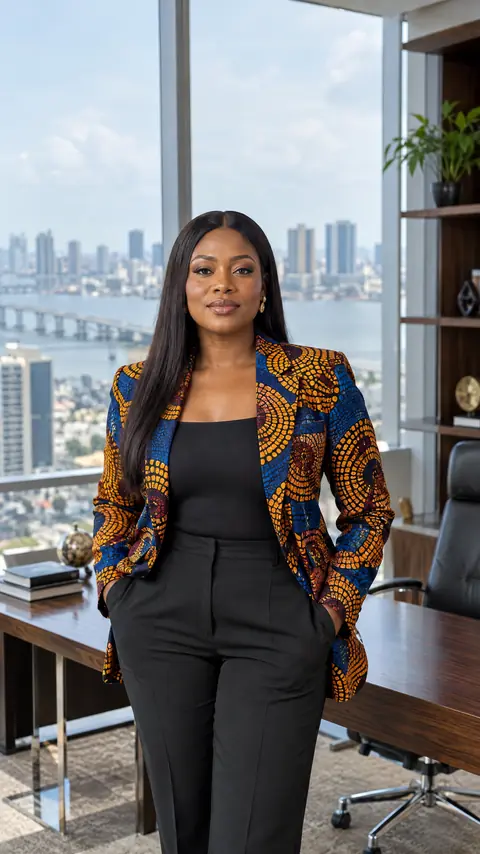
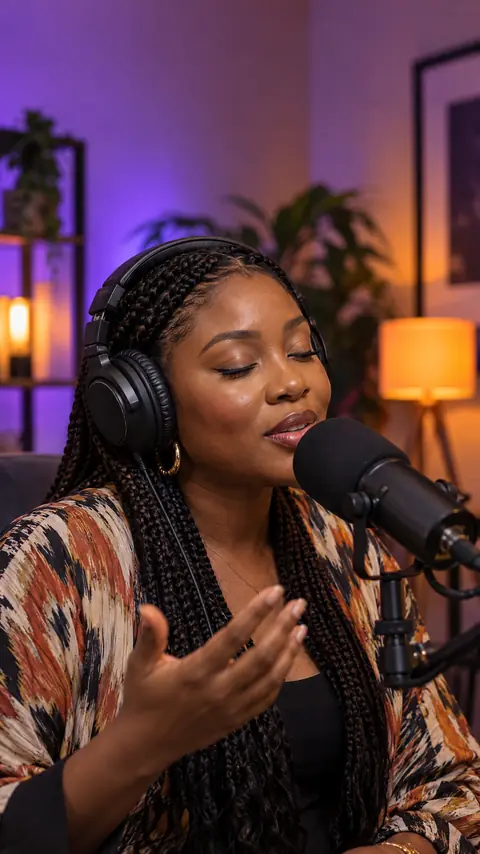
Questions and answers
How long can a presenter video be?
Up to 60 seconds of speech per video. Shorter videos of 20 to 40 seconds usually perform better.
How is it priced?
By the length of speech, per started block of seconds, in Standard or Pro. The price shows live from your script, and unused time is given back after the video is made. New accounts get 3 free credits once.
Can I use my own face?
Yes, with a clear photo of yourself and the consent box ticked. Only use a photo of another person if they have agreed.
Can the presenter speak Pidgin?
Yes. Pick the language and the voice. Write the script in Pidgin the way you would say it.
What shape is the video?
Vertical 9:16, for Status, Reels, TikTok and phone screens.