Styles and sizes in the AI image generator
Choose the style that fits the job. Photo gives a realistic picture, good for lifestyle posts and backgrounds. Illustration is flat and friendly, good for school, explainers and cover art. 3D gives a bold, glossy look for tech and kids' products. Product on backdrop puts an item on a clean set.
- Square 1:1 for Instagram and Facebook feed
- Portrait 4:5 for a bigger Instagram feed post
- Vertical 9:16 for Reels, TikTok and WhatsApp Status
- Landscape 16:9 for YouTube thumbnails, LinkedIn and slides
- 1 to 4 pictures per make
How to describe the picture you want
The AI only knows what you tell it. 'A woman cooking' gives you anybody, anywhere. 'A smiling Nigerian woman in an apron stirring a big pot of jollof in a bright Lagos kitchen, morning light, photo style' gives you a picture your customers will recognise.
Name who is in it, what they are doing, where it is, the light and the mood. Mention local details that matter, like ankara fabric, a danfo bus, a Kano market, or a church hall decorated for harvest. If you want words on the picture, such as a price or a headline, use the Flyer tool instead: it lays out text properly, with your logo and contacts.
- Who: age, look, clothing
- Doing what: cooking, laughing, holding the product
- Where: a kitchen in Lekki, a salon in Enugu, a market in Kano
- Light and mood: morning sun, warm evening, studio, festive
Free pictures every day
Once your email is confirmed, you can make 3 free pictures a day. They carry a small watermark, which is fine for testing ideas, mood boards and drafts. Paid pictures come without the watermark. Every new account also gets 3 free credits once, so you can try the paid tools too.
Use your picture everywhere
A picture is a starting point. Turn it into a 5 or 10 second clip with Photo to video. Put it on a flyer with your price. Use it as cover art for a single. If you post daily, the My week of content Playbook makes seven pictures matched to a posting plan, plus captions and a short clip, in one go.
How it works
Describe the picture
Who, doing what, where, and the mood. Local details help.
Pick style and size
Photo, illustration, 3D or product, and the size for where you will post it.
Choose how many
Make 1 to 4 pictures. Use your free daily pictures or see the credit price.
Download or keep going
Save it, or turn it into a flyer or a moving clip.
Examples
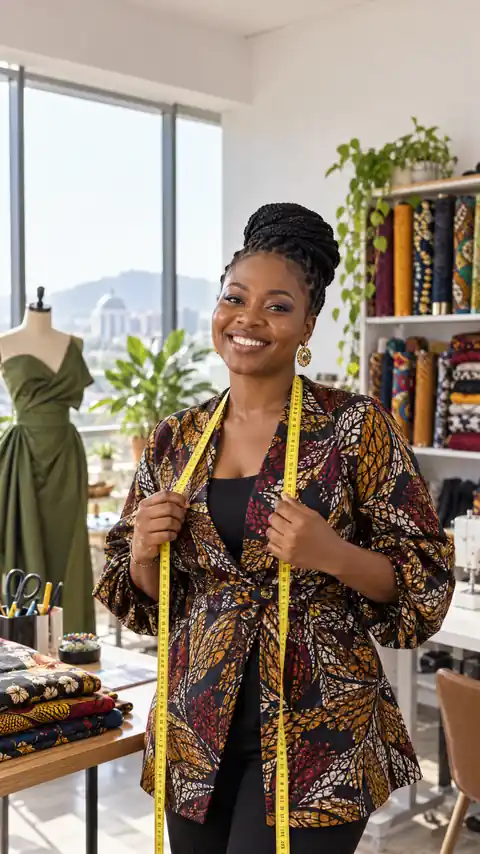
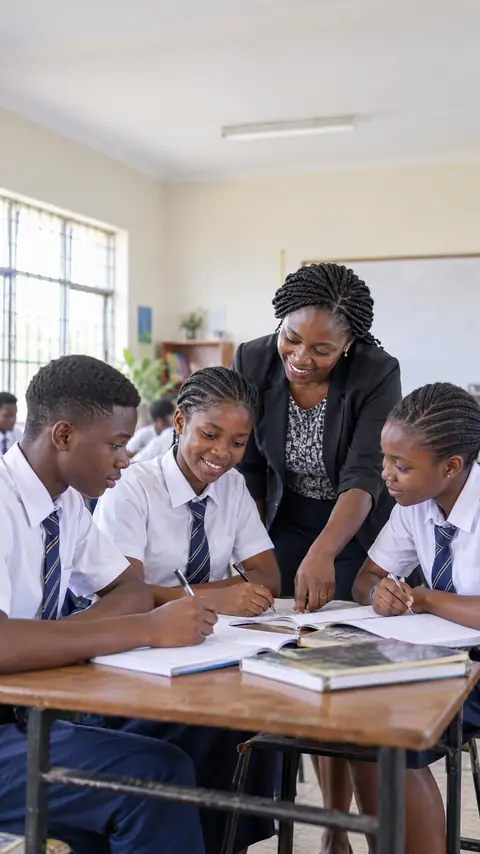
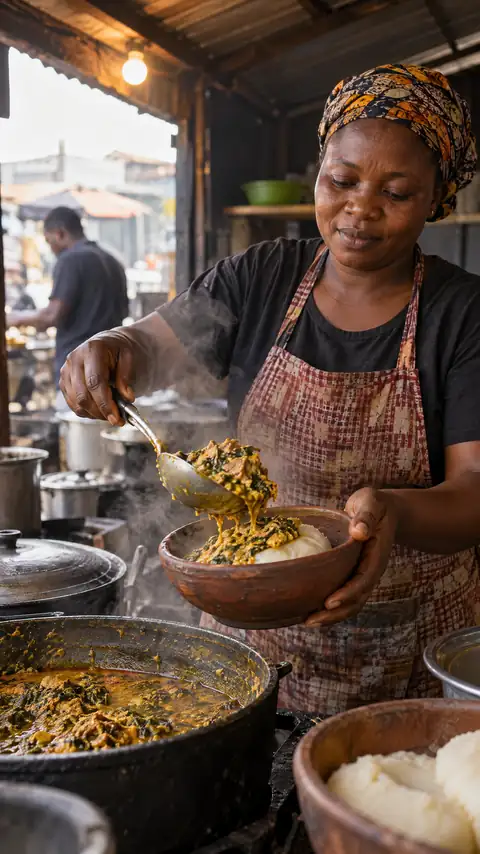
Questions and answers
Is the AI image generator free?
Confirmed accounts get 3 free pictures a day with a small watermark. Pictures without a watermark are priced in credits, shown before you make them.
Can I put text on the picture?
For prices, headlines and contacts use the Flyer tool, which lays out real text with your logo. The image tool is best for pictures without words.
Can I make a picture of my real product?
Use Product photos for that. It keeps your real product exactly as photographed and builds the scene around it.
Can I use the pictures for my business?
Yes, for your own posts and promotions. Do not ask for real people's faces, celebrities or other brands' logos.
How many can I make at once?
Up to 4 pictures per make.