What the flyer maker does for you
Most people who need a flyer are not designers. You already know your offer: jollof and chicken for N3,500, ankara gowns sewn to measure, a new salon opening in Wuse. The hard part is turning that into something people stop scrolling for. That is the part Kreyta does.
Describe the flyer the way you would explain it to a friend. Kreyta's AI picks out the offer, the price, the date and the contacts, then designs the flyer around them, with a headline that leads and the details where people expect to find them.
- Two designs by default and up to four, so you can choose the one you like
- Seven styles: bold, elegant, minimal, vibrant, church, corporate and kids
- Your logo and brand colours when you add a brand kit
- Flyer text in up to two languages, such as English with a Yoruba or Pidgin line
Sizes for WhatsApp, Instagram and print
A flyer that looks sharp in one place can look cramped in another. Kreyta makes each design in the size you pick, so you never have to crop or stretch it afterwards.
Download a PNG or JPG for phones, or a PDF when the flyer is going to a print shop in Oshodi or Aba.
- Square, 1080 by 1080, for Instagram and Facebook posts
- Portrait, 1080 by 1350, for a taller post that fills more of the feed
- Story and Status, 1080 by 1920, for WhatsApp Status, Instagram Stories and TikTok
- A5 and A4 for handbills and posters
How to describe a flyer that works
The more Kreyta knows, the less it has to guess. A strong flyer description has four parts: what you are promoting, the one detail that makes people act, when it happens and how to reach you.
Compare "flyer for my shop" with "grand opening flyer for Tasty Bites bakery in Ibadan, Saturday 2 November, free small chops for the first 50 customers, with my phone number and Instagram handle". The second one gives Kreyta everything it needs, and the design comes out ready to post.
Then read the flyer the way your customers will: names, prices, dates and numbers first. Check them before you post, as you would with any designer's work.
One flyer, or one for every item on your list
Need the same design with different names, prices or dates? Use bulk flyers. Make one master design, add your list, and Kreyta fills in each row: a flyer for every product on your price list, every staff member or every church department.
When one flyer is not enough, Kreyta can turn the same idea into a short video and captions too. Ask for it in the chat, or open a Playbook such as Festive sale or Open my shop and get the whole pack in one go.
What it costs
Kreyta works on credits, and every new account gets 3 free credits once. Before you create, the studio shows how many credits your flyers will use, so there are no surprises. When you need more, the monthly plans and credit packs are on the pricing page, paid in naira with a Nigerian card or a bank transfer.
How it works
Describe your flyer
Type or say what you are promoting, the price or offer, the date and how people can reach you. Pick your brand kit if you have one.
Choose the size and style
Pick Square, Portrait, Status, A5 or A4 and a style that suits your business. Kreyta shows the price in credits before you go on.
Pick your favourite design
Kreyta makes two designs by default. Keep the one you like, or change a few words and make it again.
Download and post
Save it as PNG, JPG or PDF, then post it to WhatsApp Status, Instagram or Facebook, or send it to the printer.
Examples
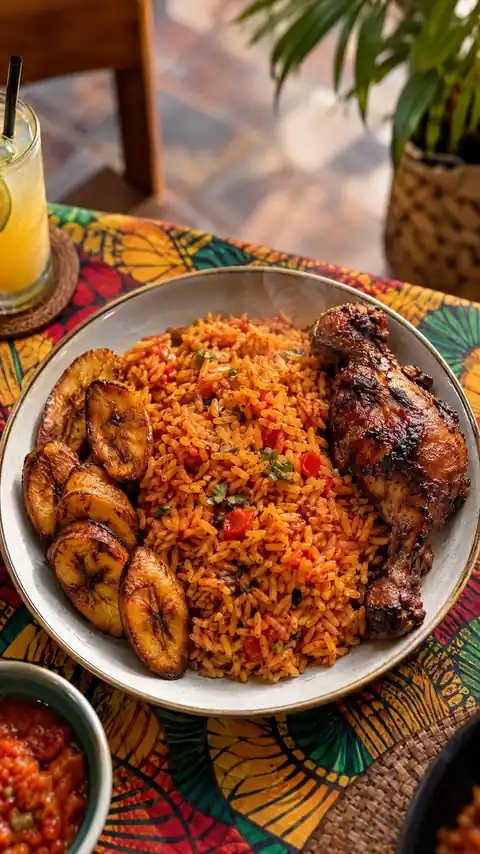
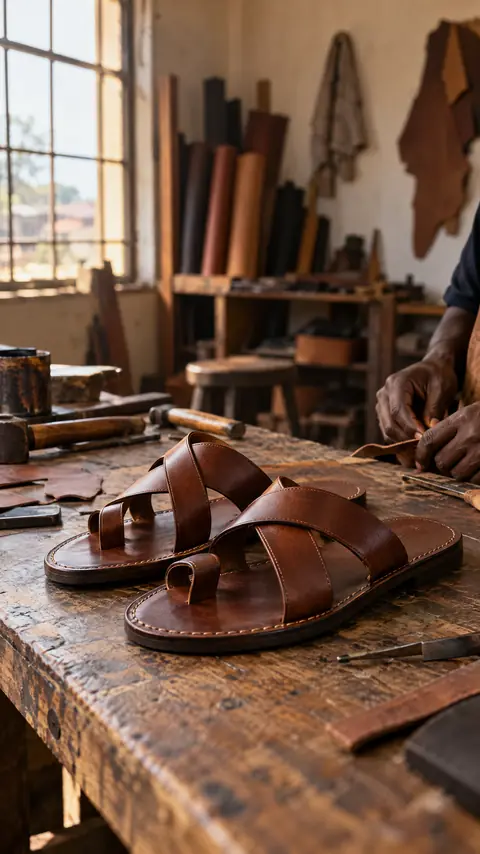
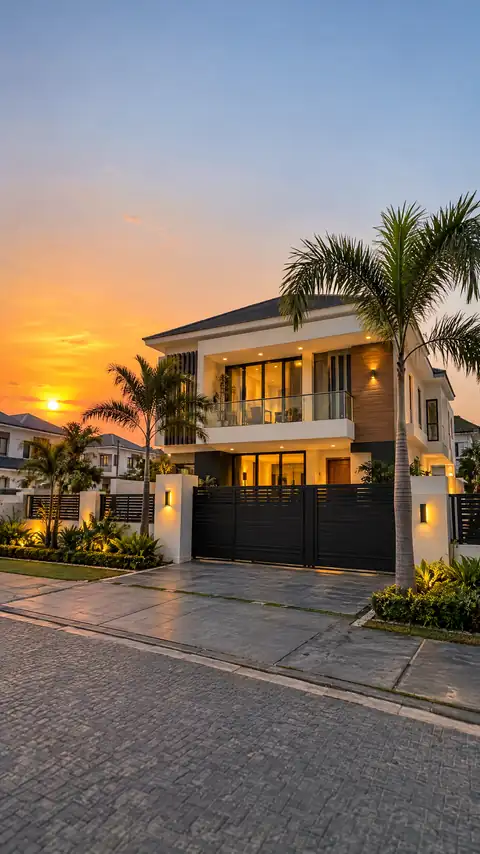
Questions and answers
Is the AI flyer maker free?
Every new Kreyta account gets 3 free credits once, which you can use on flyers. After that you pay with credits, and you always see the price before anything is made. Plans and credit packs are on the pricing page.
Can I put my logo on the flyer?
Yes. Add a brand kit with your logo and colours once, then pick it when you make a flyer. Kreyta places your logo and uses your colours in the design.
Can I print the flyers?
Yes. Choose A5 or A4 and download a PDF for the print shop. For phones, choose Square, Portrait or Status and download a PNG or JPG.
Which languages can the flyer text be in?
English, Nigerian Pidgin, Yoruba, Igbo and Hausa, among others. You can choose up to two languages for one flyer, for example English with a Hausa greeting.
Do I need design skills?
No. You describe the flyer in your own words and Kreyta handles the layout, fonts and colours. If a design is not quite right, change a few words and make it again.
Can I make the same flyer for a whole list?
Yes. Bulk flyers take one master design and your list of names, prices or dates, and give you a finished flyer for every row.