How to show a property in a 15 second video
People scrolling Status give you about two seconds. Here is a structure that works for a rental or a sale:
- Seconds 0 to 2: the hook on screen. Bedrooms, area and price: '3 bed flat, Lekki Phase 1, N6m a year'.
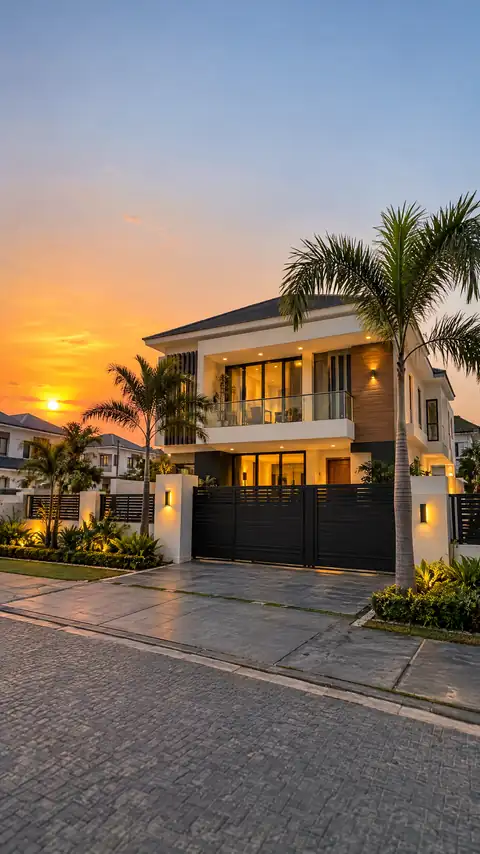
- Seconds 2 to 6: the outside. Gate, compound, parking. Buyers want to know it is real.
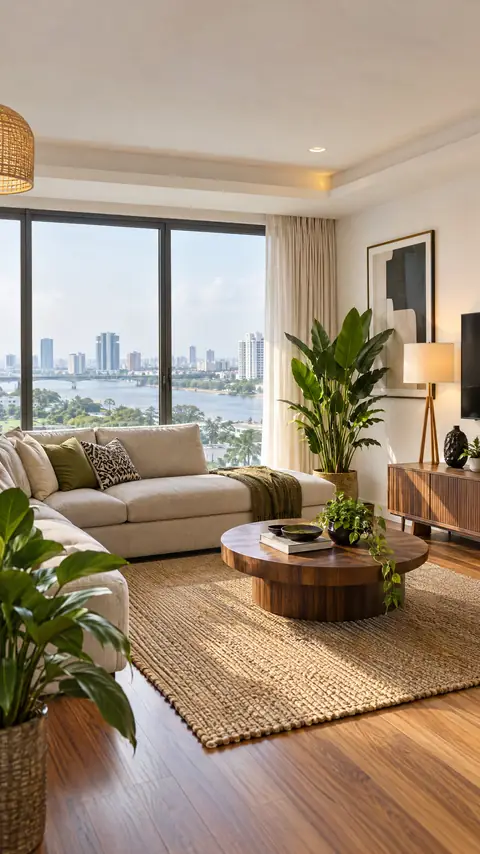
- Seconds 6 to 11: the best two rooms. Usually the living room and the kitchen or the master bedroom with the view.
- Seconds 11 to 15: the call. 'Inspection this Saturday, call or WhatsApp' with your number and logo.
Making real estate video ads from your own photos
Take clear, bright photos of the actual property. Use Photo to video on each one: a slow push into the living room, a pan across the kitchen, light moving across the front of the house. Each clip is 5 or 10 seconds, the photo as its first frame, so what buyers see is what they will inspect.
Then open the Kreyta editor, drop the clips in order and type an instruction such as 'cut it to 15 seconds, add captions, put my logo at the bottom'. The editor shows the change before you apply it.
Kreyta's video tool can also plan and make a full vertical video ad with a voiceover from a sentence. That is great for your agency's brand, an estate launch mood film or 'why buy land in Ibeju-Lekki' explainers. For a specific listing, always use real photos. Never pass off generated rooms as the property for sale.
Listing flyers that answer the first five questions
Every enquiry asks the same things. Put them on the flyer and you get serious calls instead of time wasters:
- Type and size: '2 bedroom flat, all rooms en suite' or '600 sqm dry land'.
- Location with a landmark: 'off Admiralty Way', 'behind Jabi Lake Mall'.
- Price and terms: yearly rent, service charge, agency and legal fees, or outright and installment plans.
- Title for land: C of O, Governor's Consent, Excision. Only state what the documents show.
- Inspection days and your number.
Content ideas for agents
'Guess the rent' posts where you reveal the price at the end. 'What N3m gets you in Yaba vs Ikoyi' comparisons. Estate progress updates for off-plan buyers. Diaspora buyer guides read by a presenter or a Nigerian English voiceover. A 30 days of posts plan, free, so you never wonder what to post between listings.
How it works
Shoot the property
Bright daytime photos of the gate, outside, living room, kitchen and best bedroom.
Animate the best shots
Use Photo to video for 5 or 10 second moving clips of each photo.
Join and label in the editor
Put the clips in order and type what you want: length, captions, logo, price on screen.
Add the flyer and captions
Make a listing flyer with the details and post both with the free captions.
Examples
Questions and answers
Can I use my own property photos?
Yes, and for real listings you should. Photo to video keeps your photo as the first frame, so the clip shows the real place.
What sizes do the videos come in?
The video tool makes vertical 9:16 videos for Status, Reels and TikTok. Flyers come in Square, Portrait, Story / Status, A5 and A4.
Can I add a voiceover in Pidgin or Yoruba?
Yes. The Voiceover tool reads your script in Nigerian English, Pidgin, Yoruba, Igbo or Hausa, and you can add it to your video in the editor.
Is it legal to show generated pictures of a house?
For a listing, show real photos of the real property. Generated scenes are fine for brand content, but never present them as the house for sale.
How do I pay?
You buy credits in naira. New accounts get 3 free credits once, and one credit is about N1,500 on the cheapest pack. See the pricing page.