How the video ad maker for business works
Most video apps hand you an empty timeline and wish you luck. Kreyta starts from your words. Write something like 'a video ad for my shawarma spot in Wuse 2, open till midnight, N3,500 combo with drink' and the studio turns it into a short script, a scene plan and the picture each scene starts from.
When the plan looks right, Kreyta animates the scenes and joins them into one MP4. You pick the length: 8, 16, 32 or 64 seconds. The video is vertical 9:16, the shape that fills a phone screen. It comes with a spoken voiceover unless your idea asks for none. Write 'no talking, just music' and it makes a music and visuals version instead.
- Styles: ad, reel, explainer, product, UGC-style and cinematic
- Languages: English, Nigerian Pidgin and more, so the ad speaks the way your customers speak
- Two qualities on voice videos: Standard, and Pro for sharper motion and a more natural voice
- Pick your saved brand so every ad carries the same business details
What to say in a video ad that actually sells
People scroll Status with their thumb ready to skip. You have about two seconds. Open with the thing your customer cares about, not your company history. 'Your bread don land, Lekki!' beats 'Welcome to Golden Crust Bakery, established 2019.'
Then give one offer, with the naira price. 'DM for price' loses buyers who are ready now. Add one reason to trust you, like same-day delivery in Ikeja or a 7-day exchange. End with exactly one action: 'Send us a WhatsApp on 0803...' or 'Come to Shop 12, opposite Shoprite.' A landmark helps more than a street number.
Put all of that in your idea when you type it. The more real detail you give (price, area, opening hours, what makes you different), the less Kreyta has to guess, and the closer the first draft is to what you would say yourself.
- Hook: the problem or the desire, in your customer's words
- Offer: what it is, the price, and any deadline
- Proof: delivery, guarantee, years in business, a real result
- Action: one number, one place, one link
Which length should you pick?
8 seconds is one message: a reminder, a price drop, 'we are open on Sunday'. It is perfect for Status, where people tap through fast. 16 seconds fits the full pattern above: hook, offer, proof, action. This is the safe choice for most first ads.
32 seconds lets you show three or four products, or explain a service step by step, like how your laundry pickup works. 64 seconds is for explainers and walkthroughs: a property tour feel for an agent in Ajah, or a short training for your sales team. Longer costs more credits, so start short and only go long when you have more to say.
One idea, the whole campaign
The same sentence that made your video can make a matching flyer, captions and hashtags (free), and a WhatsApp broadcast message. If you are launching something new, the Launch my product Playbook does it in one go: product photos, a flyer, a short video and captions, with one price shown up front.
After the video is made you can open it in Kreyta Editor to trim it, add your logo, turn on captions or change the music by typing what you want, like 'cut the first 2 seconds and make the music softer'.
How it works
Type your idea
Say what you sell, where, the price and the one action you want. You can also tap the mic and say it.
Check the plan
Read the script and look at the scene pictures. Change any line before the video is made.
Pick length and voice
Choose 8, 16, 32 or 64 seconds and the language. The price shows before you press Create.
Download and post
Save the MP4 and post it to Status, Reels or TikTok, or open it in the editor first.
Examples
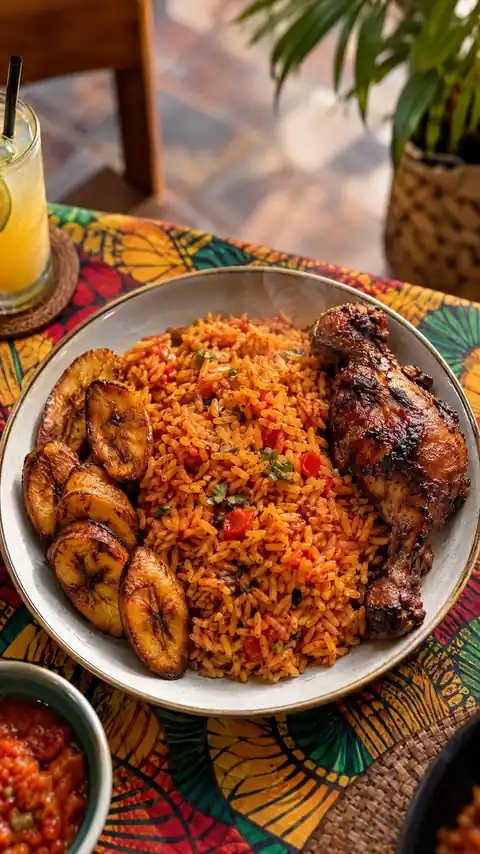
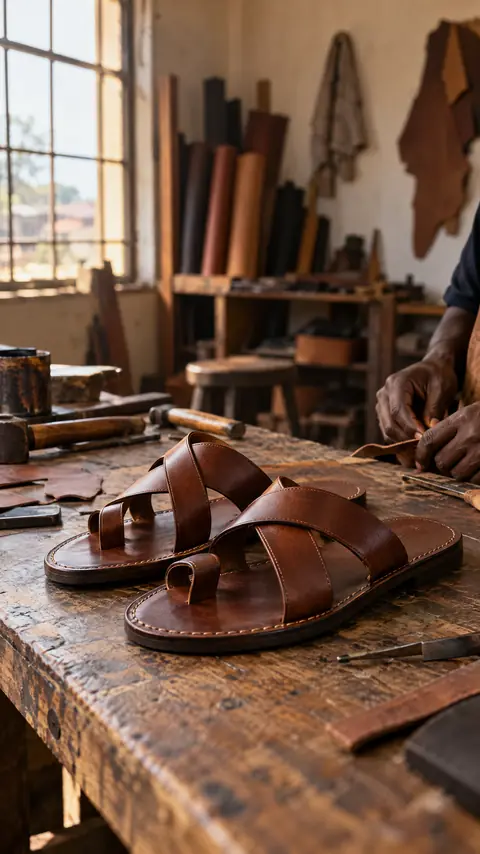
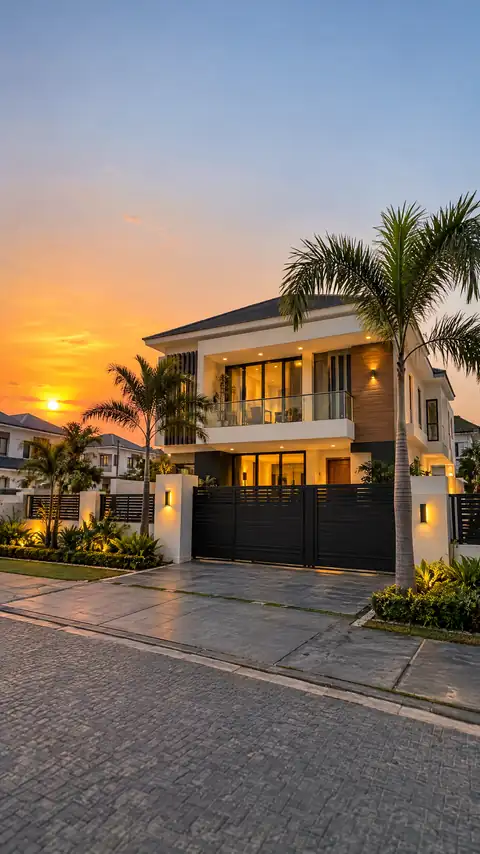
Questions and answers
Do I need to record myself or film anything?
No. Kreyta writes the script, makes the scene pictures, animates them and adds the voiceover. You only type the idea and approve the plan.
Can the ad speak Pidgin or Yoruba?
Yes. Pick the language when you create it. English and Nigerian Pidgin work well for most ads, and Kreyta also has Yoruba, Igbo and Hausa voices. Ask a native speaker to check a Yoruba, Igbo or Hausa script before you post it.
How much does a video ad cost?
Videos are priced in credits by length and quality, and you see the exact number before you make one. 1 credit is about N1,500 on the cheapest pack, and every new account gets 3 free credits once. Plans and packs are on the pricing page.
Can I make a landscape video for YouTube?
Video ads are vertical 9:16 today, the size for Status, Reels and TikTok. In Kreyta Editor you can export a finished edit in other shapes such as square.
Can I change the video after it is made?
Yes. Open it in Kreyta Editor to cut, trim, add text, captions, music or your logo. Many changes are done by typing an instruction.